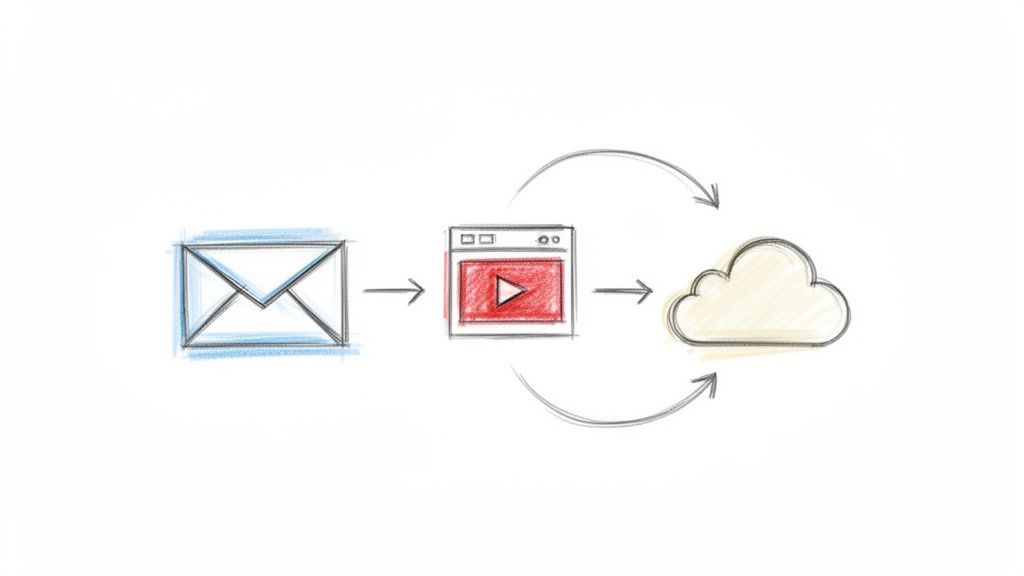
Send Large Videos
Sending large videos is a common challenge for remote teams sharing screen recordings or project demos. Efficiently transferring high resolution files ensures that feedback loops remain short and technical documentation is accessible to everyone. Tools that streamline this process help maintain team momentum without the frustration of file size limits.
Frequently Asked Questions
What are the most effective ways to send large videos within a team?
Teams typically use cloud storage links or specialized file transfer services to bypass email attachment limits. These methods allow for high quality video sharing while ensuring that large files do not clutter local storage or email servers.
How does efficient video sharing improve team collaboration?
Fast access to video updates allows team members to review work asynchronously and provide precise feedback on visual tasks. When integrated into platforms like WeekBlast, these videos serve as a clear record of progress for stakeholders and managers.
What is a best practice for managing large video files for weekly updates?
Compress your videos using standard formats like MP4 before uploading to ensure faster playback for your colleagues. Always include a brief summary or timestamped notes so team members can find the most relevant information quickly.