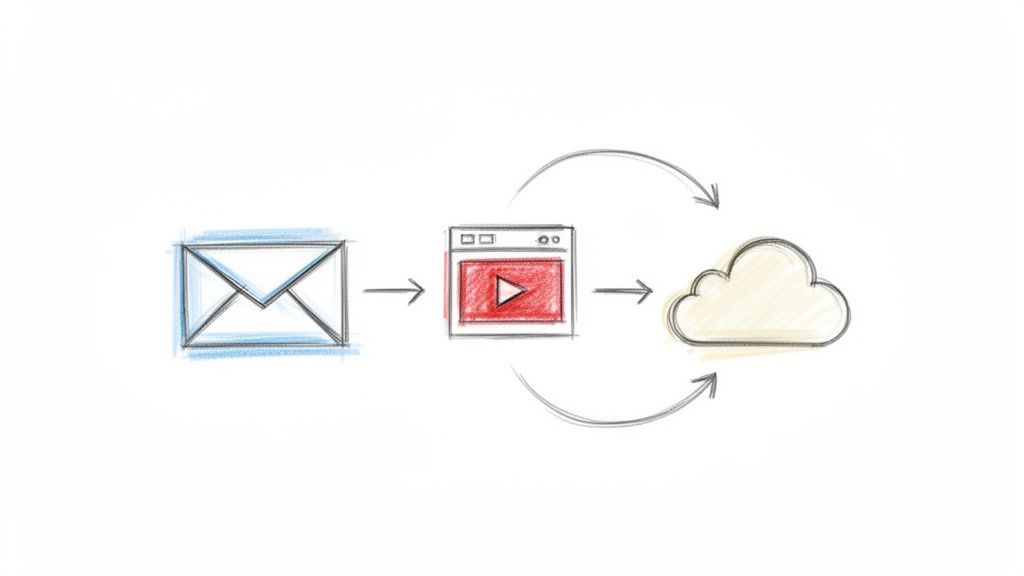
Email Video
Email video involves embedding or linking video content within electronic messages to improve communication clarity and engagement. This approach helps teams convey complex information quickly while adding a personal touch to remote or asynchronous interactions. Using video in updates ensures that nuances and demonstrations are not lost in text-based threads.
Frequently Asked Questions
What is email video and how does it function in a professional setting?
Email video is the practice of sharing recorded messages or screen captures through email or team update platforms. It allows team members to demonstrate software features or explain complex concepts using visual and auditory cues that plain text cannot provide.
How does using video in emails benefit collaborative teams?
It reduces the need for live meetings by allowing stakeholders to consume information at their own pace. When shared on platforms like WeekBlast, these videos create a searchable history of progress that keeps everyone aligned without disrupting deep work.
What is a best practice for including video in team emails or updates?
Keep your videos concise and include a short text summary of the key takeaways. This ensures that teammates can quickly understand the context before watching and makes the information accessible for those who prefer reading.