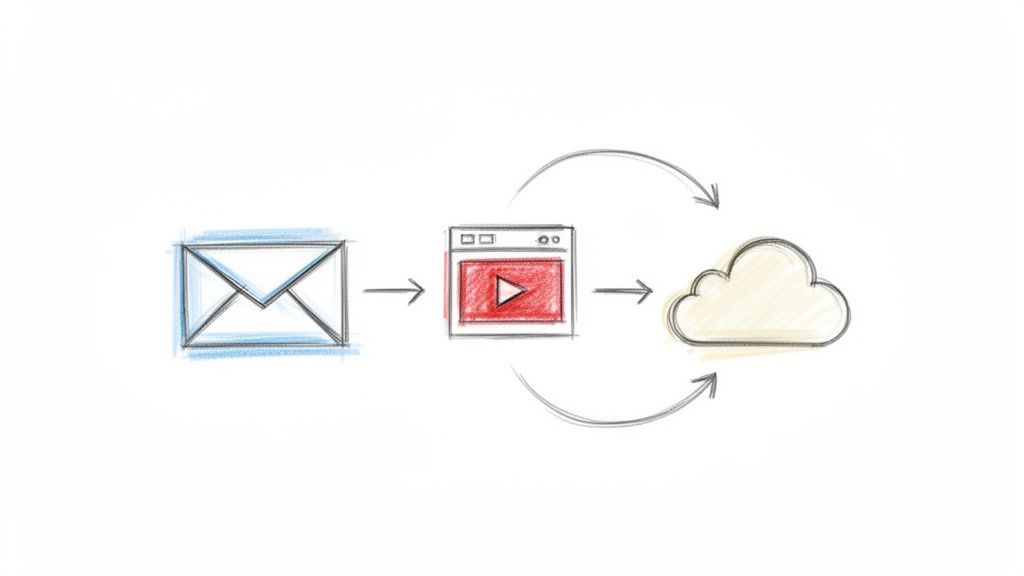
Share Video
Sharing video updates allows teams to communicate complex ideas and progress with high clarity and visual context. This practice helps bridge the gap between remote team members by providing a more personal and engaging way to deliver weekly reports. By integrating video into your workflow, you can ensure that important demonstrations or walkthroughs are never lost in text based communication.
Frequently Asked Questions
What are the primary benefits of sharing video updates within a team?
Video updates provide visual context that text often lacks, making it easier to explain technical demos or design changes. This approach saves time for reviewers and ensures that everyone has a clear understanding of the project status.
How does sharing video improve collaboration for remote or distributed teams?
Videos help humanize digital communication and allow team members to hear tone and see visual cues. This reduces misunderstandings and builds stronger professional relationships across different time zones.
What is a best practice for keeping video updates effective and concise?
Keep your videos under three minutes and focus on the most critical highlights or blockers. Using a tool like WeekBlast to link these videos alongside your written summary ensures your team can quickly digest the information.