Gmail Attachment Limit
The Gmail attachment limit is a critical constraint for teams sharing large files and reports during weekly updates. Understanding these size restrictions helps maintain seamless communication and prevents delivery failures across your organization. Using external storage or specialized platforms like WeekBlast can help teams bypass these limitations while keeping documentation organized.
Frequently Asked Questions
What is the current Gmail attachment limit for incoming and outgoing messages?
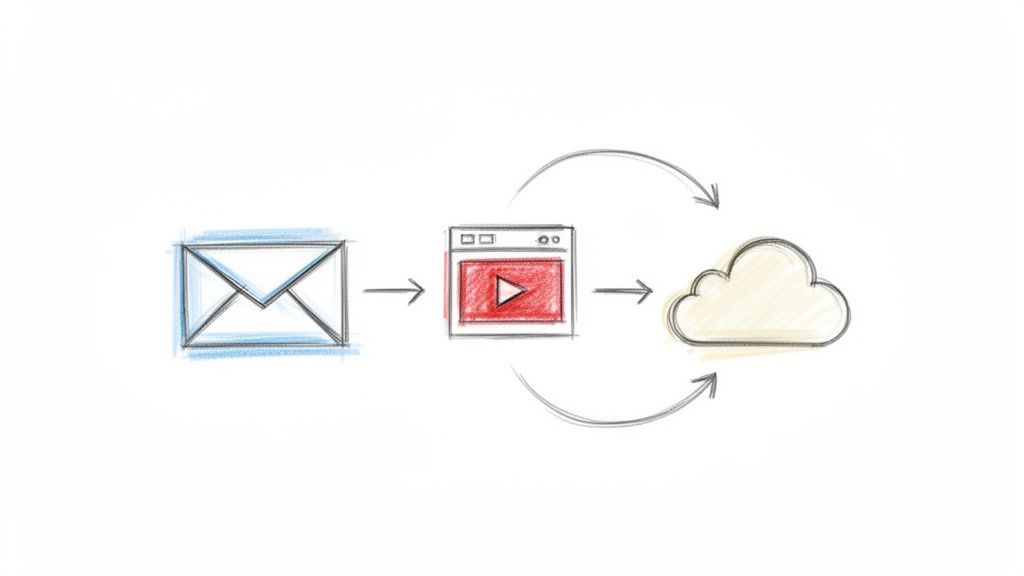
Gmail currently allows users to send up to 25 MB in attachments per email, while the limit for receiving emails is 50 MB. If you exceed the sending limit, Google automatically provides a link to Google Drive instead of attaching the file directly.
How does understanding attachment limits benefit professional team collaboration?
Being aware of file size constraints ensures that critical project assets reach all stakeholders without technical delays. Teams that plan around these limits can adopt better file sharing habits, such as using cloud links to maintain version control and reduce inbox clutter.
What is the best way to share large weekly updates that exceed email limits?
For large files or media-heavy reports, teams should utilize cloud storage links or dedicated status tools like WeekBlast. This approach ensures that your weekly progress is always accessible to the entire team without worrying about email bounce-backs or size restrictions.