Excel Reporting
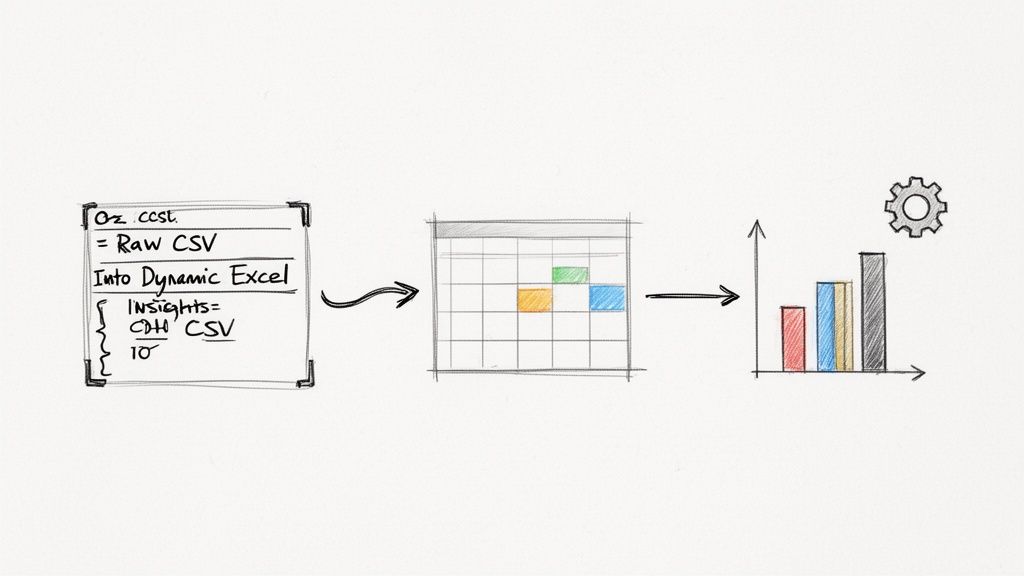
Excel reporting involves using spreadsheets to collect, analyze, and present business data to stakeholders. It remains a critical tool for teams to track progress and visualize key performance indicators effectively. By centralizing data in a familiar format, teams can maintain transparency and make data-driven decisions during their weekly updates.
Frequently Asked Questions
What is Excel reporting and why is it used?
Excel reporting is the process of organizing raw data into structured summaries to monitor business performance. It is widely used because of its flexibility and powerful calculation capabilities, allowing teams to create custom dashboards for their weekly reviews.
How does Excel reporting improve team collaboration?
Shared spreadsheets provide a single source of truth for project metrics and financial data. When teams link these reports to their WeekBlast updates, it ensures every member has access to the same information, reducing silos and improving alignment.
What is a best practice for maintaining Excel reports?
Teams should use standardized templates and automated data imports to minimize manual entry errors. Regularly reviewing these reports during team syncs helps identify trends early and ensures the data remains relevant to current project goals.