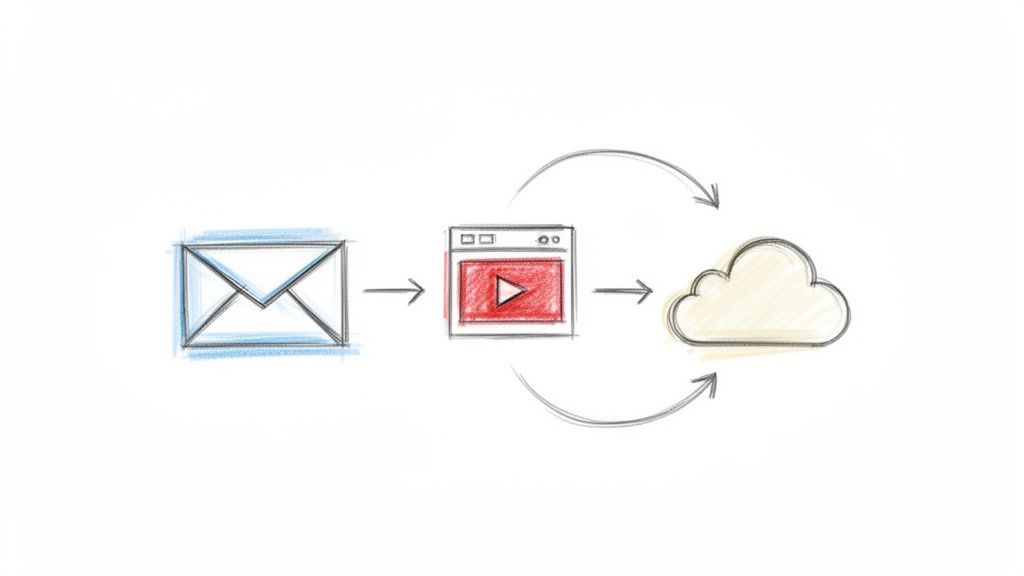
Attach Video to Email
Learning how to attach video to email allows teams to share visual progress and complex demonstrations more effectively. This topic explores the best methods for delivering video content via email while overcoming file size limitations and ensuring high deliverability. By using video in status updates, teams can provide clearer context than text alone.
Frequently Asked Questions
What is the best way to attach a video to a professional email?
The most effective method is to upload the video to a hosting service or a platform like WeekBlast and include a link or a thumbnail image in the email. Direct attachments often trigger spam filters or fail due to large file sizes. This approach ensures your team members can view the content without downloading heavy files.
How does sharing video updates improve team collaboration?
Video updates provide visual clarity for technical walkthroughs or design reviews that are difficult to explain in writing. It reduces the need for synchronous meetings by allowing team members to digest information at their own pace. Using video in your weekly reports helps maintain alignment across distributed teams.
What is a practical tip for ensuring videos are viewed by recipients?
Always include a brief text summary or a clear call to action alongside the video link so recipients know what to expect. Keep the video length under two minutes to respect your colleagues' time and increase the likelihood of full engagement. For internal updates, using a dedicated tool for video sharing can streamline this process significantly.