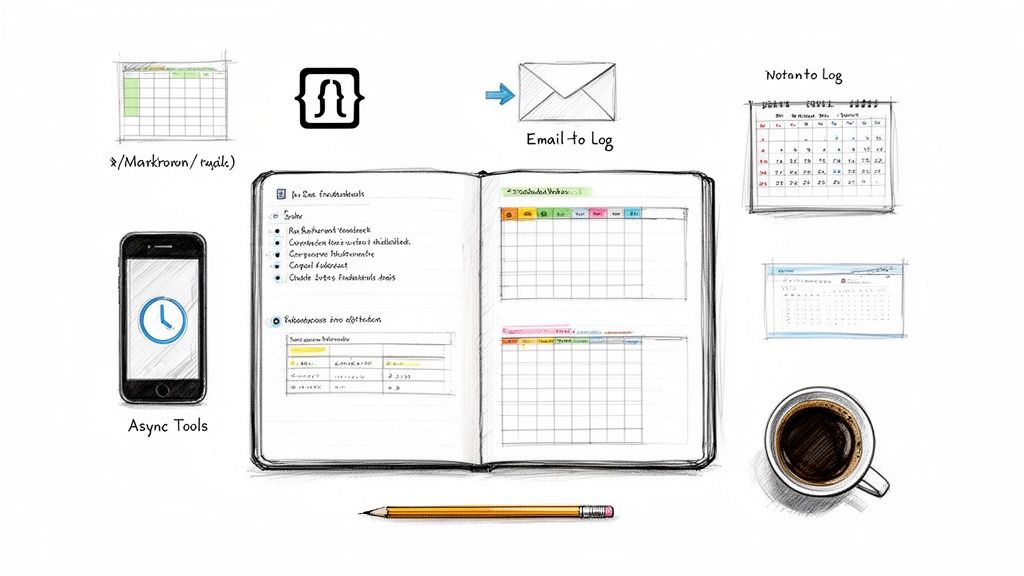
If you need a daily work log template, a work log template, or even a daily work log template free option you can copy and use today, start here. A good work log helps you track progress, capture blockers, and remember what actually happened during the week without relying on memory.
The modern workday is a blur of Slack pings, back-to-back meetings, and the constant hum of "what are you working on?". By Friday, trying to remember what you accomplished on Monday feels like an archaeological dig. A daily work log isn't about micromanagement; it's about creating a clear record of progress that makes weekly updates, performance reviews, and async communication much easier.
Below, you'll find a simple copy and paste template first, then our curated list of the 12 best daily work log template resources for 2026, including free spreadsheets, Notion layouts, printable logs, and tools like WeekBlast that turn updates into an ongoing work history.
Copy and Paste Daily Work Log Template
If you want a simple daily work log template free option, copy this and use it in a doc, email, spreadsheet, or note app:
Date:
Today I worked on:
-
-
-

Progress made:
-

Blockers or issues:
-

Next steps:
-

People who need updates:
-
This format works well for a personal daily work log, a manager update, or a lightweight team status note. If you want less manual work, use a tool that stores each update over time so you can search it later.
What to Include in a Good Work Log Template
- Date, so each entry is easy to scan later
- Tasks completed, so progress is visible
- Blockers, so problems surface early
- Next steps, so you know where to pick up tomorrow
- Context, when a decision or handoff matters
The best work log template is the one you will actually keep using. For some people that means a spreadsheet. For others it means email, Notion, or a dedicated async update tool.
1. WeekBlast
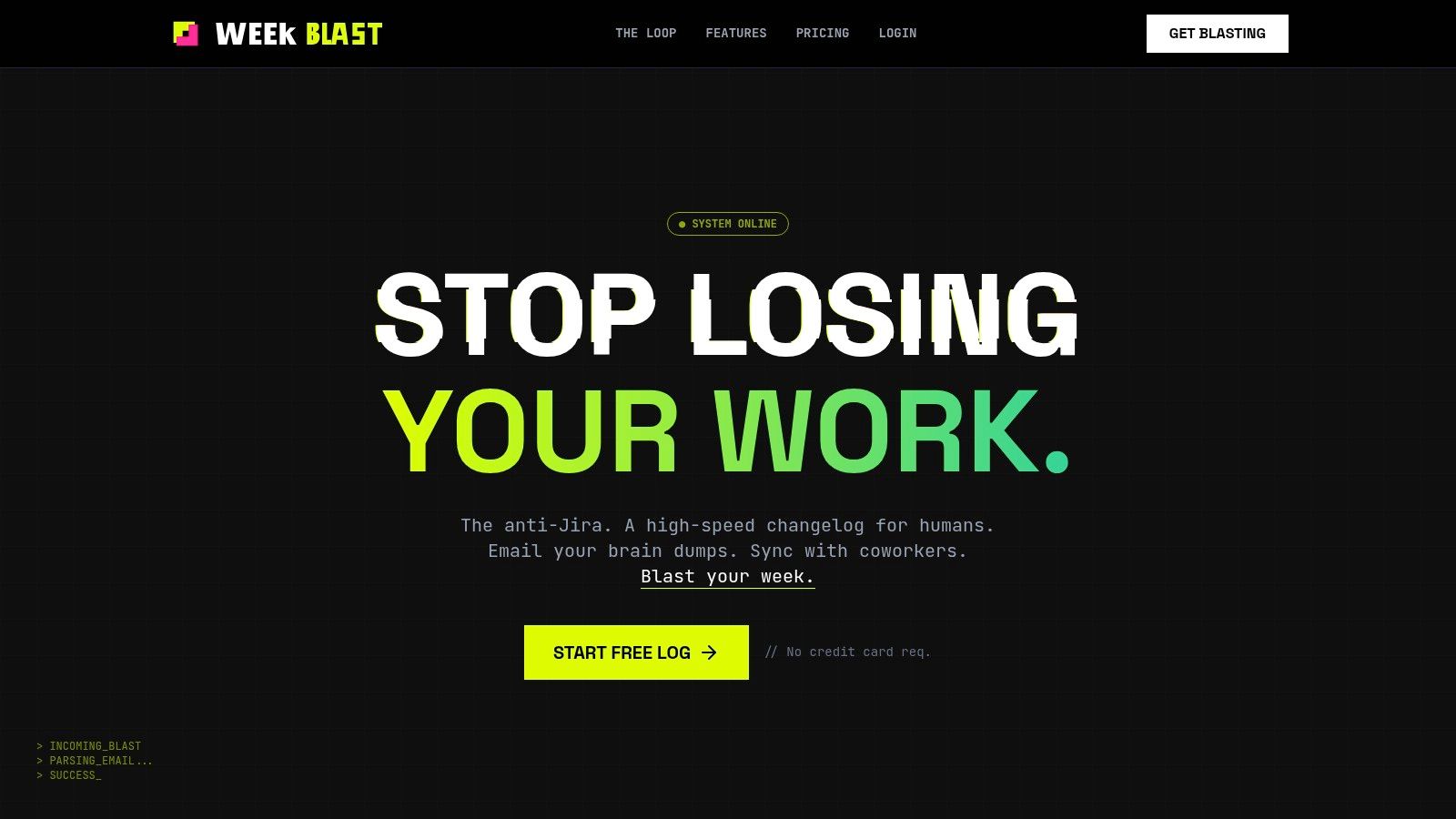
WeekBlast isn't a static daily work log template; it's a dynamic, living platform designed to obliterate the need for tedious manual logs and soul-crushing status meetings. It redefines the work log as a high-speed, human-first changelog where capturing progress is as simple as firing off an email. This is the standout choice for anyone who wants a frictionless system that provides maximum visibility with minimal effort.
The platform’s core brilliance lies in its capture methods. You can either type a quick bullet point in the sleek web app or, even better, simply BCC [email protected] on an important email. Its intelligent parser strips out signatures and fluff, adding a clean, searchable entry to your personal stream. This "email-to-log" flow is a game-changer for makers who live in their inbox and despise context switching.
Why It's Our Top Pick
WeekBlast excels by focusing on what actually matters: creating a reliable, searchable narrative of your work. The vertical team feed lets you follow coworkers' streams, providing the kind of silent, always-on visibility that makes "what are you working on?" pings obsolete. It’s built for modern, asynchronous teams that value deep work over performative meetings. Dive deeper into their philosophy on how WeekBlast facilitates async updates.
Key Features and Pricing
| Feature | Description | Availability |
|---|---|---|
| Email-to-Log Parser | BCC an email to instantly log work; the parser cleans it into a perfect entry. | All Tiers (Free & Paid) |
| Team Feed | A "Twitter-style" feed to follow coworker updates asynchronously. | Paid Tiers |
| AI Summaries | Automatically generate monthly and yearly summaries for reports or reviews. | Paid Tiers |
| Exports & Integrations | Export to Markdown/CSV. Integrate with Slack, Discord, and an API. | Paid Tiers |
| SAML SSO | Enterprise-grade single sign-on with providers like Okta and Microsoft Entra ID. | Detonator Tier |
Pricing:
- Spark: Free forever for individuals.
- The Fuse: $3/month for private logs and unlimited history.
- The Detonator: $4/user/month for team features and integrations.
Pros & Cons
- Pros: Insanely fast capture via app or email BCC. Eliminates status meetings with an elegant async feed. Powerful search and AI summaries make performance reviews effortless. Generous free tier and affordable paid plans.
- Cons: Not a full-scale project management tool; lacks kanban boards or dependency tracking. The integration ecosystem is still growing beyond core tools like Slack and Discord.
2. Notion Template Marketplace – Daily Work Log
For those already living and breathing in the Notion ecosystem, this is a no-brainer. Instead of wrangling a separate app or spreadsheet, you can snag a free, community-vetted daily work log template directly from the Notion Template Marketplace. These aren't just blank pages; they're structured databases ready for you to duplicate with a single click.
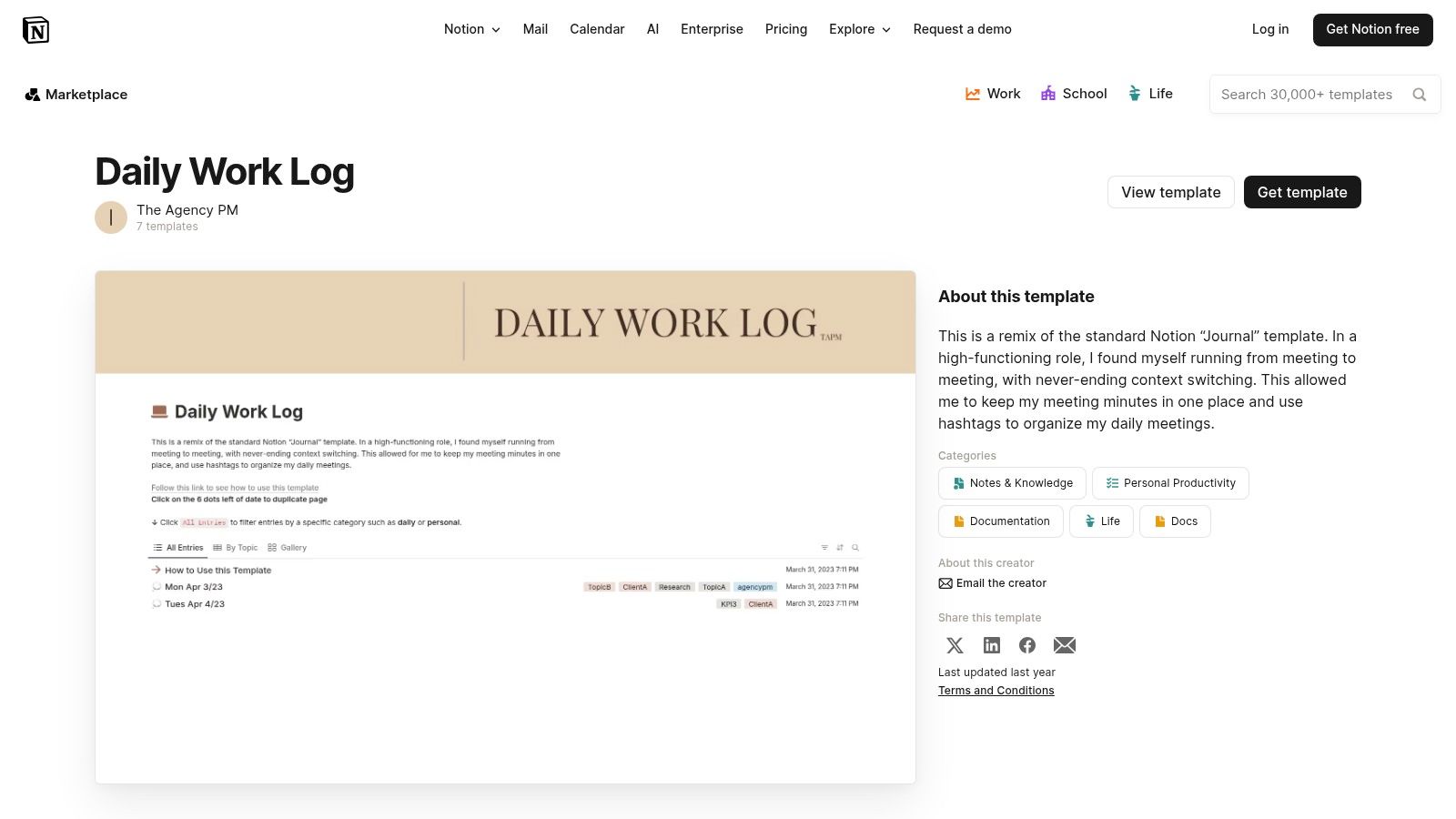
The real magic here is the instant integration. Your log lives alongside your projects, meeting notes, and wikis, making it easy to link tasks directly to your daily entries. It’s perfect for creating a searchable, narrative-style log that provides deep context. Plus, the community ratings help you sidestep the duds and find a template that actually works.
Key Details & Tips
- Best For: Individuals and teams who are all-in on Notion and want a log that integrates seamlessly with their existing documentation and project boards.
- Pricing: Completely free. Just find a template you like and click "Duplicate."
- Pro-Tip: Don't be afraid to customize. Most templates are minimalist by design. Add properties for "Project," "Mood," or "Blockers" to make the database work for your specific needs. While powerful for documentation, you can explore how Notion compares to dedicated async update tools for team-wide status reporting.
3. Smartsheet – Work Log Templates
Sometimes you just need a classic, no-fuss spreadsheet or a printable document. Smartsheet’s resource page is a goldmine for this, offering a curated collection of downloadable daily work log template options in formats everyone knows: Excel, Word, PDF, and Google Sheets/Docs. It’s the digital equivalent of grabbing a trusty pre-made form, saving you the hassle of building one from scratch.

This approach is perfect for teams or individuals who aren't tied to a specific project management ecosystem and need a universal file they can easily share, print, or attach to an email. Each template comes with clear instructions and best-practice guidance, so you’re not just downloading a file but also learning how to use it effectively. While the site does steer you toward its own product, the free templates are standalone and incredibly useful.
Key Details & Tips
- Best For: Individuals or teams needing a versatile, universally compatible log that can be printed or shared as a standard file (like a PDF or Excel sheet).
- Pricing: The templates are completely free to download.
- Pro-Tip: Download the Excel or Google Sheets version for maximum flexibility. You can add columns for "Task Category" or use conditional formatting to color-code high-priority entries, turning a simple log into a more dynamic productivity tool.
4. Microsoft Create – Timesheet Templates
For teams deeply embedded in the Microsoft Office suite, this is the path of least resistance. Microsoft Create offers a gallery of free, official timesheet templates for Excel and Word. While they're often branded as "timesheets," many function perfectly as a daily work log template, designed for logging hours against tasks with that familiar, spreadsheet-driven feel.
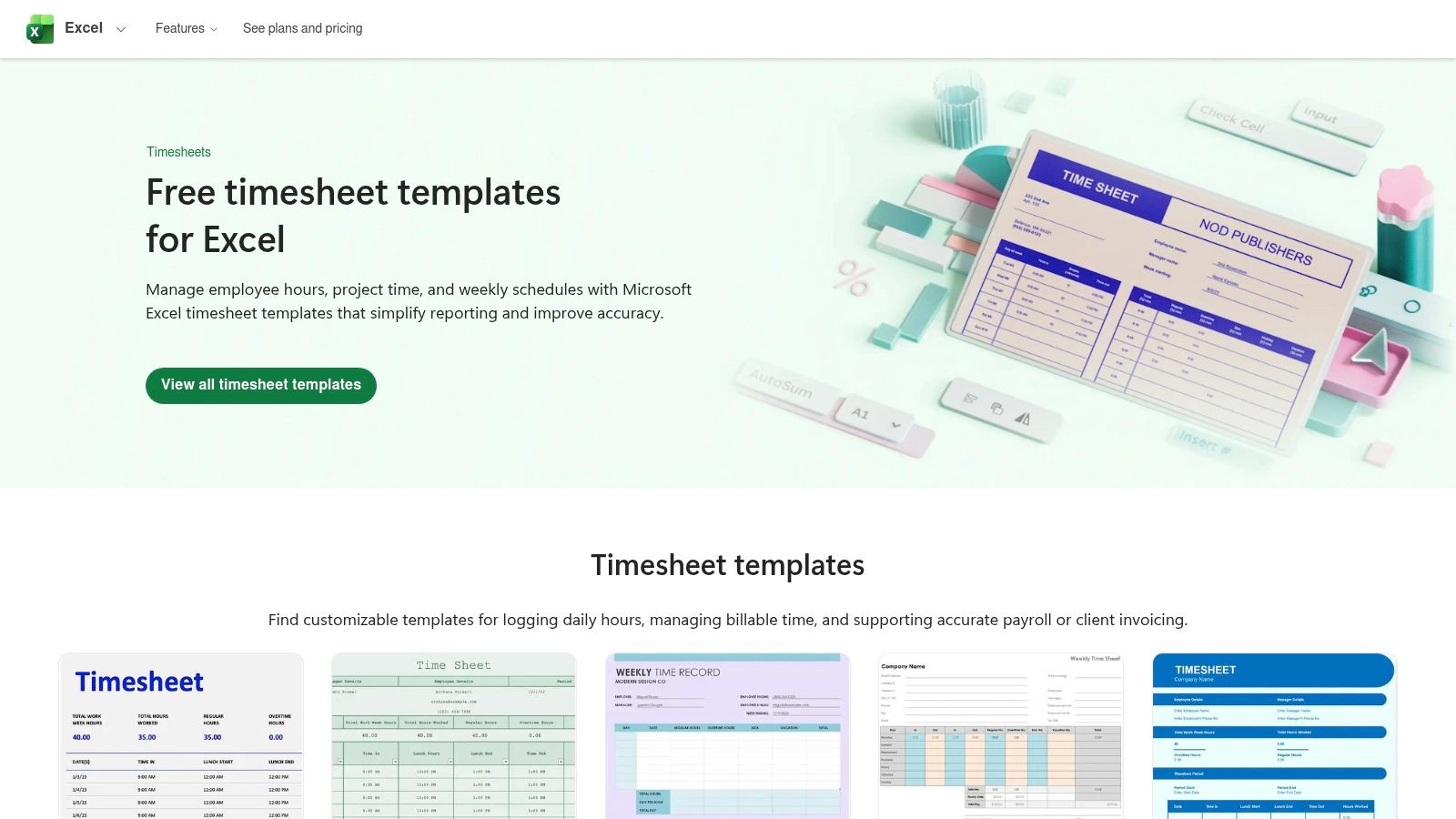
The biggest advantage here is the native integration with OneDrive and the entire Office ecosystem. You can download a template, save it to OneDrive, and share it with your team in seconds. There are no third-party apps to learn or accounts to create. It’s a straightforward, trustworthy source for anyone who thinks and works in cells and formulas.
Key Details & Tips
- Best For: Organizations that run on Microsoft Office and need a simple, no-frills way to track hours and tasks in Excel or Word.
- Pricing: Absolutely free. You just need a Microsoft account to access and use them.
- Pro-Tip: Search for "timesheet" or "log" to find the best options. Since these are Excel-based, you can easily add a "Notes" or "Details" column to transform a simple hour tracker into a more descriptive daily work log. The focus is on quantitative time tracking, not qualitative updates.
5. Canva Sheets – Timesheet Templates
For those who believe work logs should be as visually appealing as they are functional, Canva is the answer. Their daily work log template options, found within Canva Sheets, transform the mundane task of time tracking into a design project. These aren’t your typical drab spreadsheets; they are fully brandable, beautifully designed documents perfect for client-facing reports or internal teams that appreciate a bit of aesthetic flair.
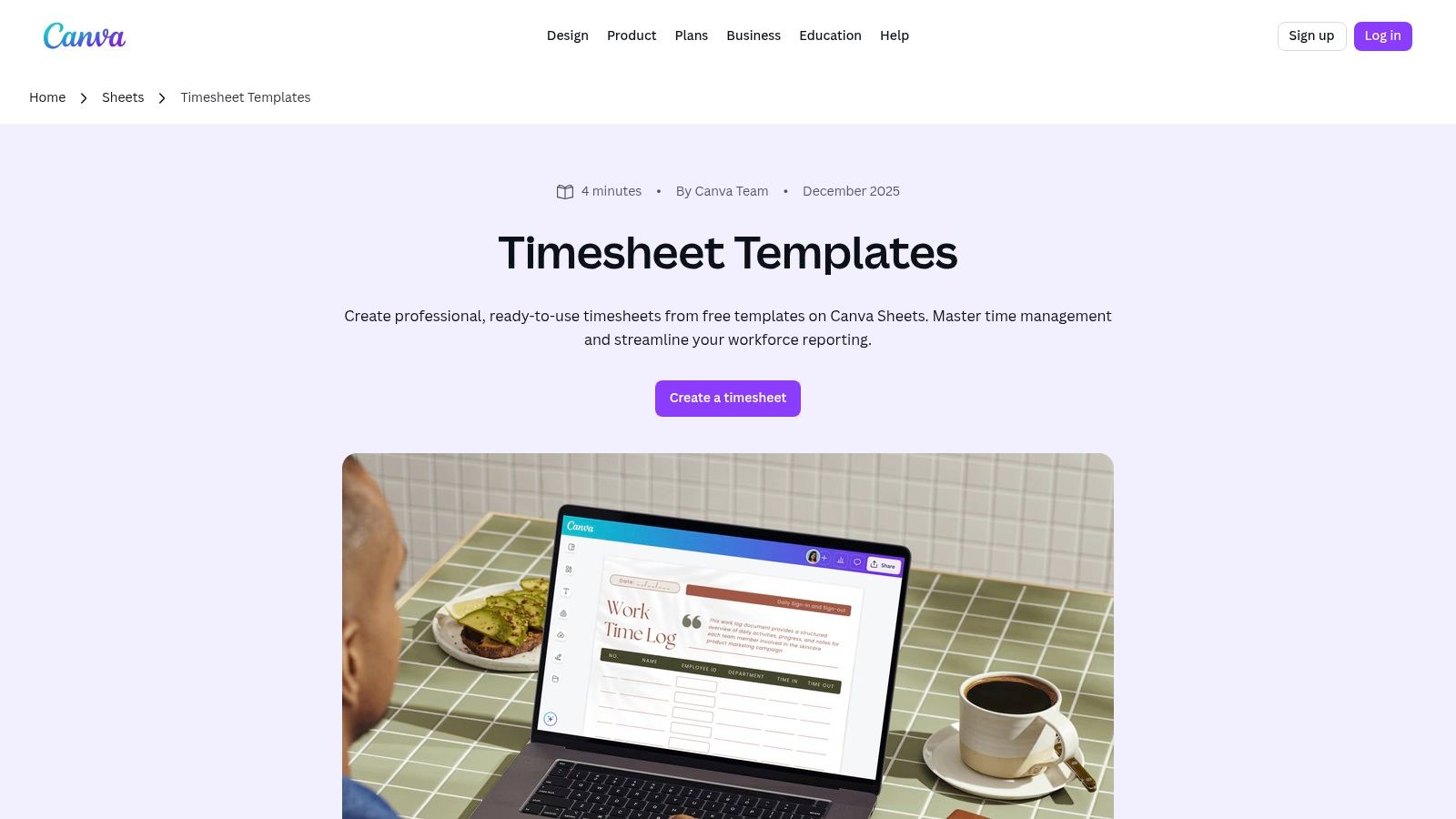
The standout feature is Canva's drag-and-drop editor, which makes customization a breeze. You can easily add your company logo, change colors to match your brand palette, and integrate graphics without ever leaving the platform. It’s the ideal solution for creating a polished, printable one-page log that looks like it came straight from the design department, even if you just spent five minutes on it.
Key Details & Tips
- Best For: Freelancers, agencies, and teams that need to produce branded, visually attractive timesheets or work logs for clients or internal presentation.
- Pricing: Many templates are free, with more advanced designs and features available on Canva Pro (starting at $12.99/month).
- Pro-Tip: Use Canva’s AI tools like "Magic Write" to quickly generate task descriptions or summaries. While it excels at design, it's not a heavy-duty spreadsheet tool, so export your data to CSV or XLSX for more complex analysis if needed.
6. Vertex42 – Timesheets & Time Log Templates
For those who believe spreadsheets are the pinnacle of human achievement, Vertex42 is a treasure trove. A trusted name in the Excel template world since 2003, their collection of timesheets and time logs offers a reliable, no-nonsense approach. This isn't about fancy UI; it's about pure, unadulterated spreadsheet functionality with clean formulas ready to go.
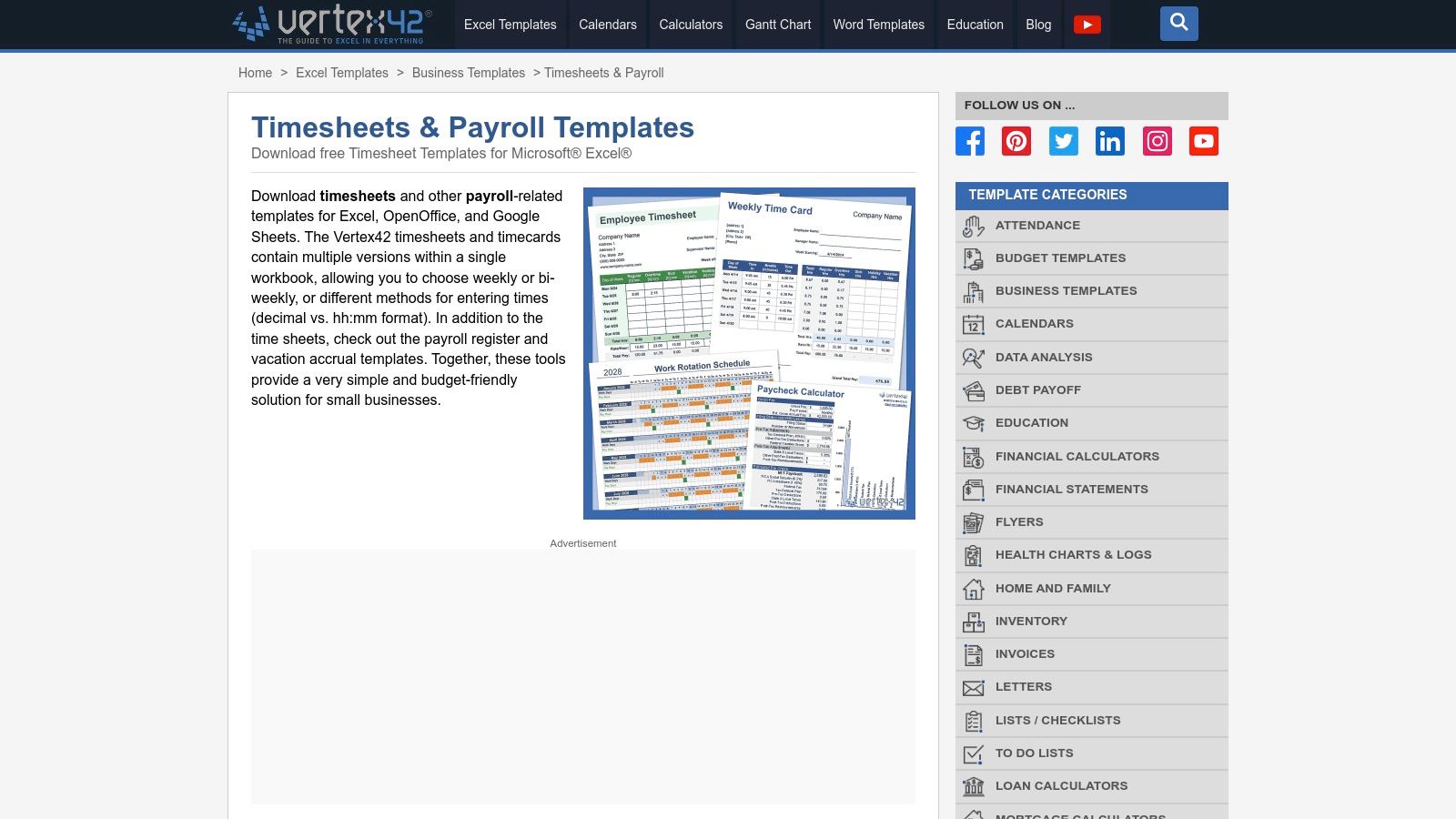
What makes Vertex42 stand out is its mastery of the fundamentals. The templates are designed for immediate use in both Excel and Google Sheets, with built-in calculations for hours worked in both hh:mm and decimal formats. This makes it a fantastic daily work log template for anyone needing precise time tracking for client billing, payroll, or project costing without the overhead of dedicated software. It's a classic, functional tool that just works.
Key Details & Tips
- Best For: Freelancers, contractors, and small business owners who live in spreadsheets and need a rock-solid, printable timesheet with accurate time calculations.
- Pricing: Completely free to download and use from their website.
- Pro-Tip: Download the "Time Log" specific template for more detailed task breakdowns. While most of their timesheets focus on weekly totals, the time log allows for multiple entries per day, making it better for tracking progress on specific activities throughout your shift.
7. HubSpot – Work Log Template (Excel & Google Sheets)
Sometimes you don't need a complex system, you just need a reliable spreadsheet. HubSpot delivers exactly that with its free, no-nonsense daily work log template available for both Excel and Google Sheets. It's a straightforward tool designed for one purpose: documenting your daily progress, challenges, and timeline without any fuss.
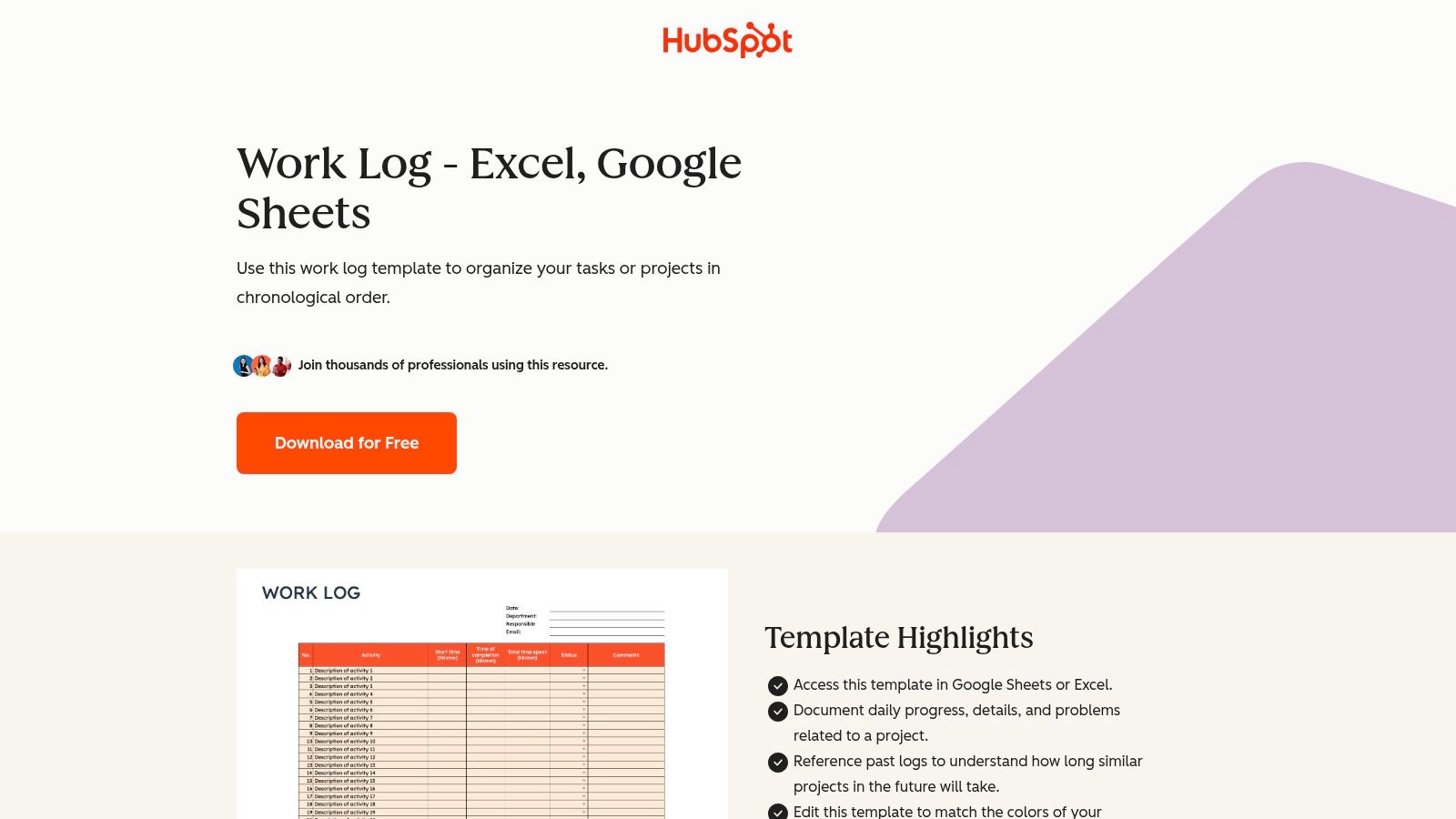
This template is a classic for a reason. It’s perfect for individual contributors who need to keep a clear record for their manager or for small teams who prefer the familiar grid of a spreadsheet. The download gives you a clean, print-ready document with clear fields for details, problems, and chronology, making it easy to get started in minutes.
Key Details & Tips
- Best For: Individuals and small teams who live in spreadsheets and want a simple, effective way to track daily tasks and roadblocks without learning a new tool.
- Pricing: Free. Be aware that HubSpot typically requires an email submission to access their downloadable resources.
- Pro-Tip: The "Problems/Issues" column is your best friend. Use it to flag blockers immediately. This transforms your log from a simple task list into a proactive communication tool your manager will appreciate. You can easily copy-paste these updates into more formal async communication tools for broader team visibility.
8. Jotform – Daily Work Log (Boards/Forms/Apps)
For managers who need a structured way to collect daily updates from their team without chasing people down, Jotform is a powerhouse. It transforms the simple daily work log template into an interactive system of forms, boards, and even mobile apps. This isn't just a document; it's a data collection pipeline you can build with zero code.
The standout feature is its versatility. You can send a link to a form, have entries populate a Kanban-style board automatically, and manage everything from your phone. It’s brilliant for field teams, contractors, or any distributed workforce where a spreadsheet just won’t cut it. The ability to add approval flows also makes it a solid choice for more formal reporting processes.
Key Details & Tips
- Best For: Managers and teams needing a standardized submission process for daily logs, especially in distributed or field-based roles.
- Pricing: A free plan is available with limits on forms and submissions. Paid plans unlock more features, storage, and HIPAA compliance.
- Pro-Tip: Use the mobile app feature to create a dedicated, branded "Daily Log" app for your team. It makes on-the-go submissions incredibly simple and keeps the log top-of-mind, boosting compliance without you having to constantly remind everyone.
9. ClickUp – Employee Daily Activity/Work Report Template
If your team's command center is ClickUp, then integrating your daily work log template directly into your workspace is the only logical move. ClickUp’s template for employee activity reporting is less of a simple document and more of a mini-application. It comes pre-loaded with structured fields for tasks, time spent, and blockers, all designed to live right alongside your actual project work.
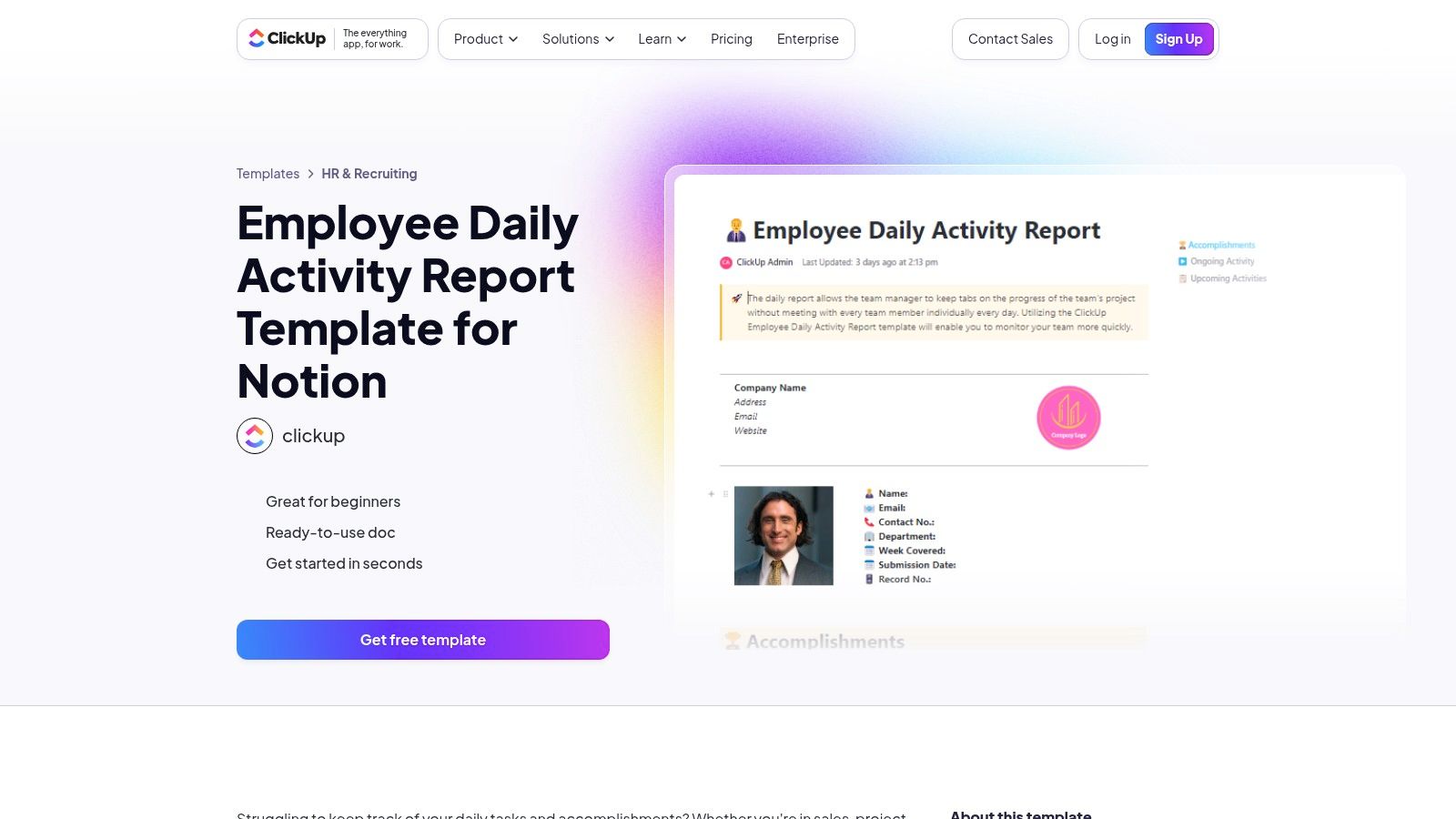
This template truly shines with its built-in views, like Daily Summary and Weekly Overview, which transform raw log data into digestible reports automatically. The ability to trigger automations is a huge perk; you can set up reminders to fill out the log or notify a manager when a blocker is added. It’s a powerful, native solution for teams who want to keep everything under one digital roof, turning daily logging into a seamless part of their workflow.
Key Details & Tips
- Best For: Teams already embedded in the ClickUp ecosystem who need a powerful, integrated logging system with reporting and automation.
- Pricing: The template is free to use, but its full potential is unlocked within ClickUp's paid plans (starting from $7/user/month).
- Pro-Tip: Leverage the "Relationships" feature to link your log entries directly to specific tasks or projects. This creates an incredibly detailed and interconnected audit trail that is invaluable for project retrospectives and performance reviews. While excellent for internal tracking, you can see how ClickUp's reporting differs from specialized update tools for broader team communication.
10. Spreadsheet Daddy – Free Work Log Template
If you want a classic spreadsheet experience without the fuss of creating one from scratch, Spreadsheet Daddy offers a straightforward daily work log template that gets the job done. It’s a no-frills, download-and-go solution perfect for individuals who just need to track tasks, hours, and notes without signing up for a new service. The template is conveniently available in Google Sheets, Excel, and even PDF formats.
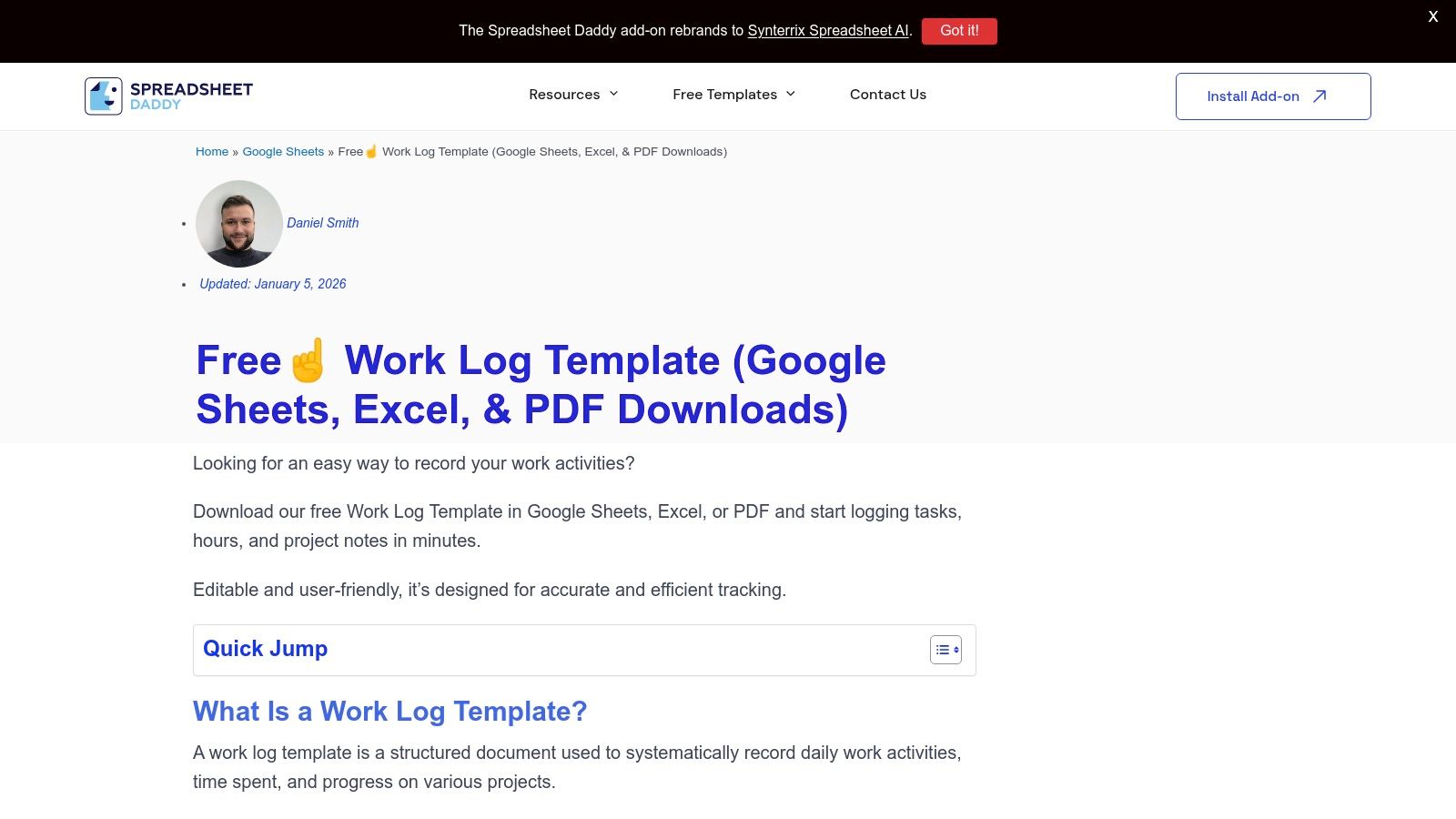
This template stands out for its sheer simplicity and accessibility. There are no accounts to create or complex formulas to decipher; you just download your preferred format and start typing. While it lacks the advanced dashboards or integrations of more robust systems, its clean, editable layout makes it ideal for quick customization and immediate use, especially for personal time tracking or simple project billing.
Key Details & Tips
- Best For: Freelancers, contractors, or any individual needing a quick, no-account-required spreadsheet to track their daily hours and tasks for personal records or invoicing.
- Pricing: Completely free. Downloads are available directly from the Spreadsheet Daddy website.
- Pro-Tip: Use the "Notes" column to add context beyond the task name. Document specific challenges, decisions made, or links to relevant documents to make your log more valuable for future reference or when compiling weekly reports.
11. Etsy – Digital Daily Work Log/Timesheet Templates
If you believe your productivity tools should be as aesthetically pleasing as they are functional, Etsy is your destination. This marketplace is overflowing with digital daily work log template downloads from independent creators. You’ll find everything from minimalist printable PDFs and editable Canva files to sophisticated Notion dashboards, all with a unique, handcrafted feel.
Unlike corporate template galleries, Etsy offers a personal touch. You’re buying directly from a creator, and the variety is astounding. This is the perfect place to find a template that matches your personal workflow and style, whether you’re tracking freelance hours with a printable timesheet or managing tasks in a beautifully designed digital planner. The instant download and buyer reviews provide a smooth and trustworthy experience.
Key Details & Tips
- Best For: Individuals and freelancers who want a visually appealing, ready-to-use template for printing or digital use and are willing to pay a small one-time fee for quality design.
- Pricing: Varies by seller, but most templates are affordably priced as a one-time purchase, typically from $2 to $15.
- Pro-Tip: Pay close attention to the reviews and the item description to understand exactly what format you’re getting (e.g., PDF, Canva link, Notion duplicate). Some sellers even offer bundles that include weekly and monthly planners for a comprehensive system.
12. Barnes & Noble – Printed Daily Time/Work Log Books
Sometimes, the best tech is no tech at all. For those who prefer the tactile satisfaction of pen on paper or work in environments where devices aren't practical, a physical daily work log template from Barnes & Noble is the perfect analog solution. These printed log books offer a straightforward, durable way to track hours, tasks, and notes without worrying about battery life or connectivity.
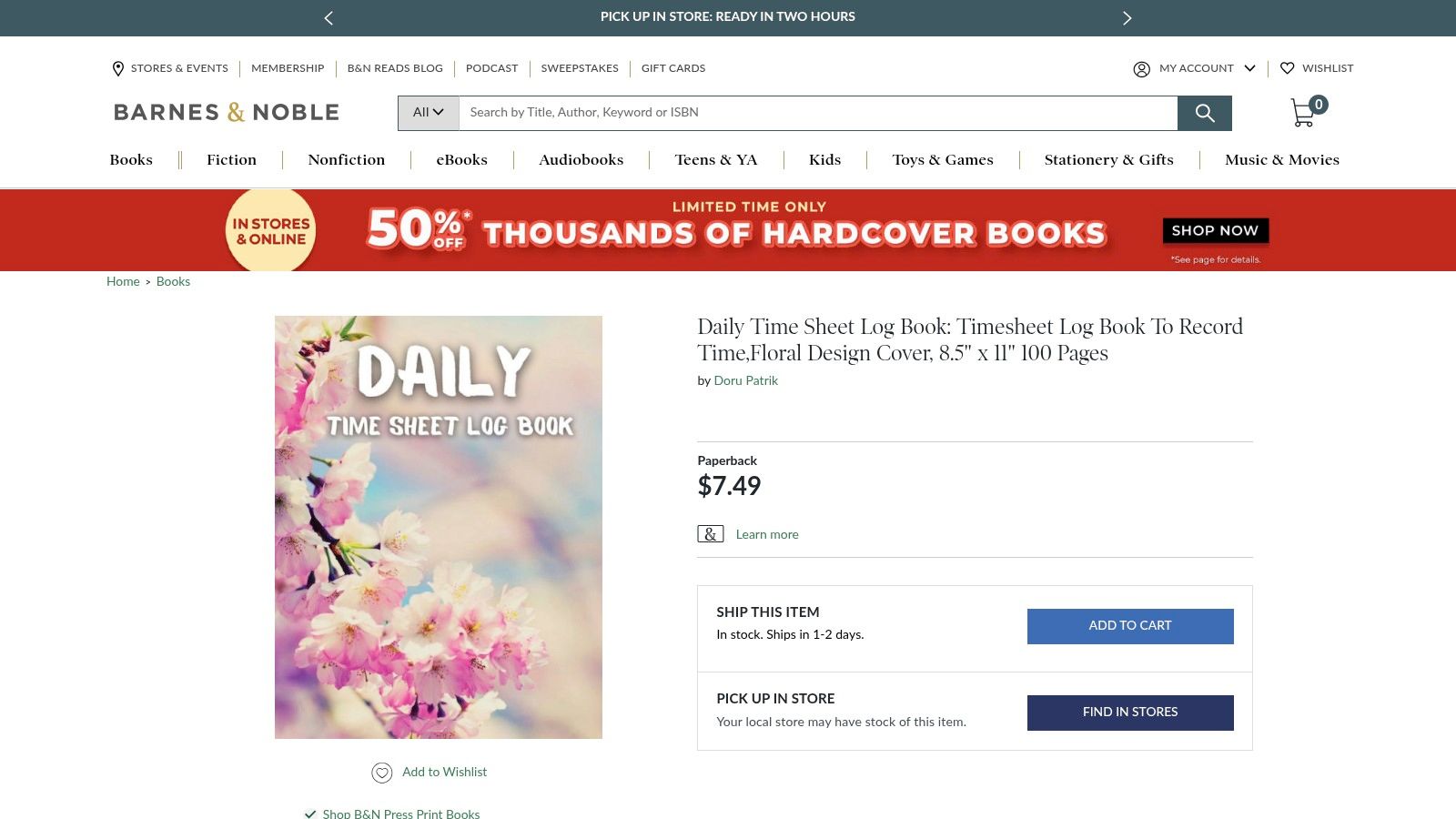
This approach creates a permanent, chronological record that’s ideal for on-site roles, field teams sharing a clipboard, or anyone wanting a digital detox. The pre-formatted pages for time in/out, breaks, and totals eliminate the need for setup. It’s a simple, reliable method that requires zero software and provides an immediate, tangible archive of your work. While it lacks searchability, its simplicity is its greatest strength.
Key Details & Tips
- Best For: Field teams, on-site workers without consistent device access, or individuals who prefer a non-digital, permanent record of their work.
- Pricing: Varies by book, but typically ranges from $7 to $15, available via retail shipping or local pickup.
- Pro-Tip: Use different colored pens to categorize entries. For example, use blue for standard tasks, red for blockers or issues, and green for completed project milestones. This adds a layer of visual organization to your physical log.
Daily Work Log Templates: Top 12 Comparison
| Product | Key features ✨ | UX / Quality ★ | Price & value 💰 | Best for 👥 |
|---|---|---|---|---|
| WeekBlast 🏆 | ✨ Email-to-log parser, searchable archive, team feed, AI monthly/yearly summaries, Markdown/CSV export | ★★★★☆ — fast, low-friction capture | 💰 Free individual; $3–$4/user·mo team; yearly ~25% off; unlimited history on paid | 👥 Managers, makers, remote & engineering teams |
| Notion Template Marketplace – Daily Work Log | ✨ One-click duplicate, structured daily entries, community ratings | ★★★★ — polished in-Notion experience | 💰 Free templates (requires Notion) | 👥 Notion users, individuals & small teams |
| Smartsheet – Work Log Templates | ✨ Multiple formats (Excel/Word/PDF/Google), instructions, printable options | ★★★☆ — utilitarian, documented | 💰 Free downloads; Smartsheet upsell | 👥 Teams needing printable/spreadsheet logs |
| Microsoft Create – Timesheet Templates | ✨ Excel/Word timesheets, OneDrive integration, editable | ★★★★ — reliable Office workflows | 💰 Free (Office/OneDrive friendly) | 👥 Excel-first organizations, HR/payroll teams |
| Canva Sheets – Timesheet Templates | ✨ Brandable visuals, drag‑and‑drop, AI helpers, CSV/XLSX export | ★★★★ — design-forward, easy to brand | 💰 Free; Pro for advanced features | 👥 Marketing/design teams, printable logs |
| Vertex42 – Timesheets & Time Log | ✨ Formula-ready templates (hh:mm, decimal), Google Sheets compatible | ★★★★ — spreadsheet-expert quality | 💰 Mostly free; premium templates available | 👥 Excel power users, finance/ops teams |
| HubSpot – Work Log Template | ✨ Simple daily progress fields (Excel/Sheets), printable | ★★★☆ — straightforward, minimal setup | 💰 Free (may require email capture) | 👥 Individual contributors, small teams |
| Jotform – Daily Work Log (Boards/Forms/Apps) | ✨ No-code forms/boards/apps, mobile entry, approvals, integrations | ★★★★ — great for submissions & approvals | 💰 Freemium; advanced features on paid plans | 👥 Distributed teams collecting entries, managers |
| ClickUp – Employee Daily Activity/Work Report | ✨ Prebuilt fields, multiple views, automations, reporting | ★★★★ — powerful inside ClickUp (can be heavy) | 💰 Free tier; best value with ClickUp subscription | 👥 Teams already on ClickUp needing automation |
| Spreadsheet Daddy – Free Work Log Template | ✨ Google Sheets/Excel/PDF downloads, simple editable layout | ★★★☆ — quick start, no account needed | 💰 Free | 👥 Individuals wanting a fast spreadsheet log |
| Etsy – Digital Daily Work Log/Timesheet Templates | ✨ Diverse downloadable designs (Notion/Canva/PDF), creator reviews | ★★★☆ — design-focused, variable quality | 💰 Paid per template (affordable) | 👥 Creatives, printable/brand-forward workflows |
| Barnes & Noble – Printed Daily Time/Work Log Books | ✨ Pre-formatted paper logs, durable physical archive | ★★★ — tactile, offline use | 💰 One-time purchase per notebook | 👥 Field teams, on-site roles, pen-&-paper users |
Find Your Flow: Choosing the Right Log for Your Work Style
You've just navigated a labyrinth of daily work log template options, from hyper-functional spreadsheets to minimalist Markdown files and even old-school paper journals. We’ve explored everything from the sleek, integrated worlds of Notion and ClickUp to the raw, customizable power of templates from HubSpot and Vertex42. The big takeaway isn't that one template rules them all; it's that the "perfect" log is a deeply personal choice, one that should slot into your existing workflow like a missing puzzle piece, not an extra chore you dread.
The quest for the ideal daily work log template is really a quest for a better-managed, more intentional workday. It's about swapping the frantic, reactive scramble for a calm, proactive rhythm. Think of it as building a personal "receipt" for your time and effort. This practice isn't just for managers or performance reviews; it's a powerful tool for self-reflection that helps you spot patterns, celebrate small wins, and identify where your energy is truly going.
Matching the Template to Your Reality
Choosing your champion depends entirely on your work-life reality. Ask yourself: where do you spend most of your digital day?
- For the Inbox Dwellers: If your life revolves around email, a system that requires you to open another app is doomed from the start. An email-first tool like WeekBlast removes this friction entirely, transforming a routine task into a seamless part of your communication flow.
- For the Ecosystem Loyalists: Are you and your team already embedded in Notion, ClickUp, or Smartsheet? Don’t reinvent the wheel. Leverage the native templates and integrations within the platform you already call home. The learning curve is practically non-existent.
- For the Spreadsheet Aficionados: If you dream in rows and columns and love the infinite customizability of a good spreadsheet, a downloadable daily work log template from sources like Microsoft Create or Spreadsheet Daddy is your playground. You can tweak, color-code, and formula-fy to your heart's content.
- For the Analog Thinkers: For some, the tactile act of writing is essential for reflection. A printable template from Canva or a physical logbook from Barnes & Noble provides a screen-free space to process your day's accomplishments.
Ultimately, the best daily work log template is the one you consistently use. Start with the path of least resistance. Pick the option that feels most natural, customize it to capture what's most important to your role, and commit to trying it for just one week. You’ll be surprised at the clarity and sense of accomplishment that comes from simply writing down what you did. This small habit builds a powerful archive of your contributions, turning invisible effort into a visible record of your impact.
Ready to ditch the friction and make logging your work as easy as sending an email? WeekBlast was built for professionals who want a powerful daily work log template without adding another app to their stack. Start your free trial of WeekBlast and see how effortless async updates can be.


