If you already use a weekly blast to keep your team aligned, the fastest way to make the habit stick is to reduce friction. The WeekBlast Chrome extension gives you one click access to your composer, your team feed, and your running work history directly from the browser where your day already happens.
What the WeekBlast Chrome extension helps you do
Most people do not forget to write updates because they dislike communication. They forget because opening another tab, finding the right page, and reconstructing the week feels like unnecessary work. The extension removes that tiny but expensive bit of friction.
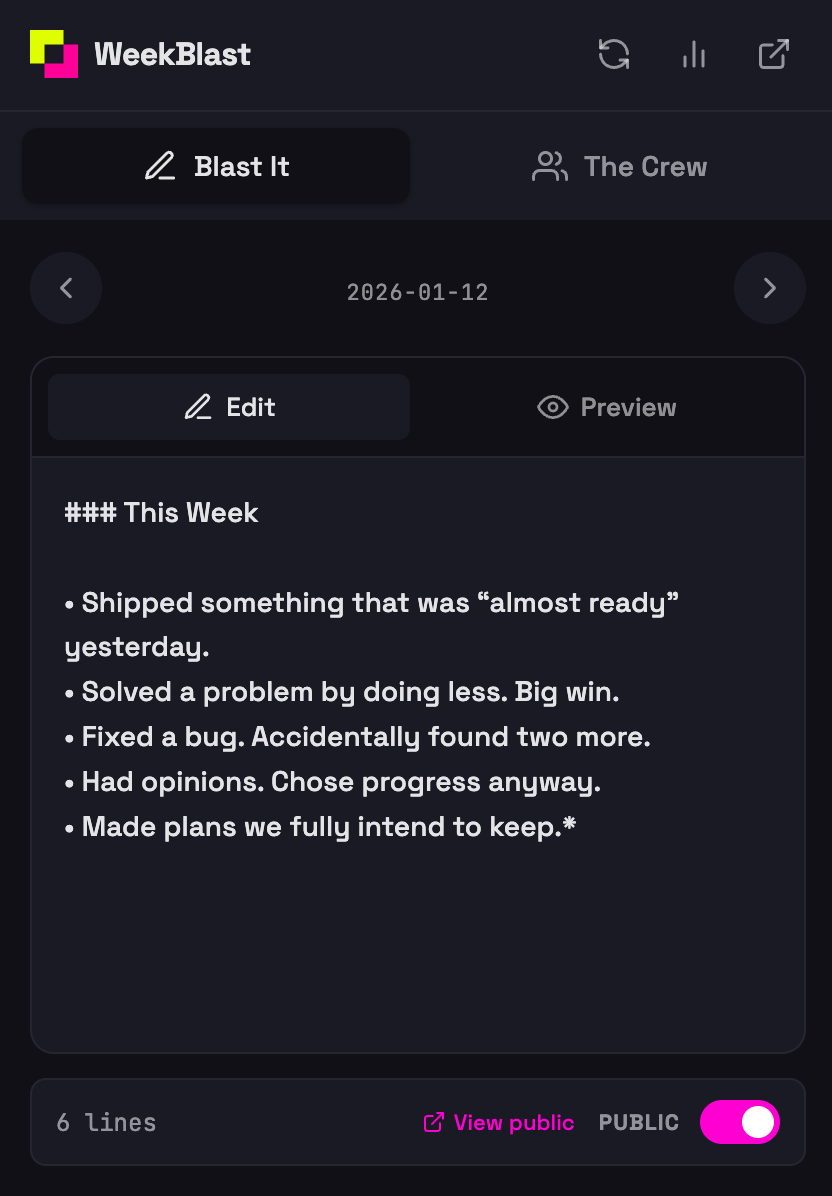
Write your weekly blast before the details disappear
Open the composer from the Chrome toolbar and log wins, blockers, and next steps as they happen. That means less end-of-week scrambling and better updates for your manager, your team, or yourself.
Check team updates without breaking your flow
You can quickly review coworkers' recent blasts and see what moved, what is stuck, and where follow-up is needed. That is especially useful for remote teams that want visibility without more meetings.
Keep a searchable work history automatically
Because your updates live in WeekBlast, each quick note you capture contributes to a long-term record of shipped work. That makes performance reviews, status summaries, and self-reflection much easier later.
Why this is better than a generic note-taking extension
- Built for weekly blasts - Designed around wins, blockers, and next steps instead of random notes
- Connected to your team - Your updates and team feed stay in one system
- Useful for managers - Easier to scan progress across the team
- Useful for individual contributors - Easier to remember what you actually accomplished
- Works where you already work - Chrome, Edge, and other Chromium-based browsers
How to install the extension
- Open the WeekBlast Chrome Web Store listing
- Click Add to Chrome
- Approve the installation
- Sign in to your WeekBlast account, or create one for free
- Pin the extension and start capturing weekly updates as you go
Best fit for these teams
- Remote teams that want async visibility
- Managers who want fewer status meetings and clearer updates
- Founders who need a fast read on what is moving each week
- People with busy weeks who do better logging work in small bursts instead of reconstructing it later
Install it and make weekly updates easier
Install the WeekBlast Chrome extension if you want a faster way to write your weekly blast and stay on top of team updates.
If you are new to WeekBlast, sign up for free and start building a searchable record of your work.